Imagine the functioning of a CNC lathe with a CAM system. You sketch the image you need on a part, push a switch, and out spews g-code that transforms that sketch into the correct movements to slice the figure in numerous runs predicated on your specified depth of cut. Canned cycles like G71 and others are incredibly useful in lathes as they effectively do what’s explained above. The difference lies in the fact that the profile isn’t defined in a CAD program but through g-codes.
Here is a very simple profile:
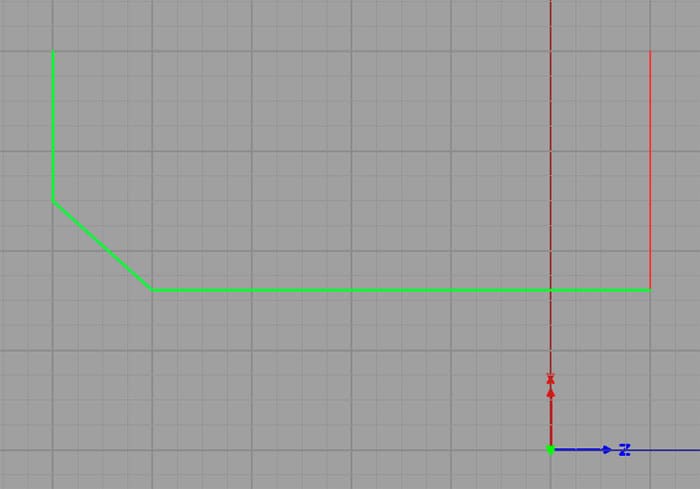
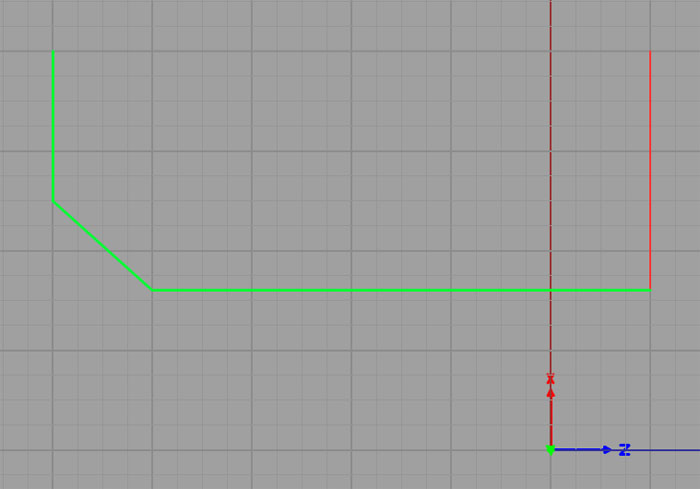
A simple profile consisting of 3 G01 segments with a G00 to the starting point…
This profile consists of 3 G01 line segments with a G00 rapid move to the starting point of the profile. The code associated with the profile is trivial:
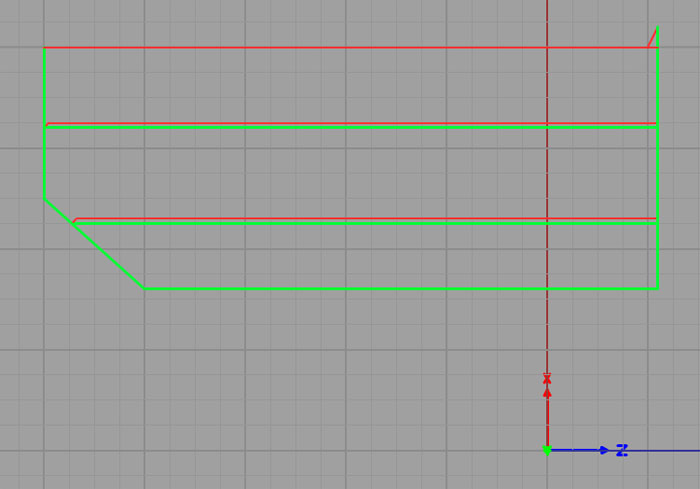
The simulated G71 makes 2 roughing passes and then cuts the profile…
And here is the code that was simulated:
% Top to bottom, right to left
( One line G71 )
G0 X4 Z1.0 (Start Position before commanding the cycle)
G71 P1 Q4 D1.0 F2 U0.2 W0.1
N1 G0 X1.6
N2 G1 Z-4.0
N3 X2.5 Z-5.0
N4 G1 X4
There’s not much more needed than the profile to get the job done. G71 can save you a whole bunch of time and make it pretty easy to crank out some parts without needing to access a CAM program. Before we dive into exactly how to program a G71, we need to cover the different flavors of G71 you may run into.
Join 100,000+ CNC'ers! Get our latest blog posts delivered straight to your email inbox once a week for free. Plus, we’ll give you access to some great CNC reference materials including:
Bob is responsible for the development and implementation of the popular G-Wizard CNC Software. Bob is also the founder of CNCCookbook, the largest CNC-related blog on the Internet.